




Thank you for booking the demo with us! Our team will connect with you shortly..




Demo booked successfully
Thank you for booking the demo with us! Our team will connect with you shortly..
What's Inside
*Available on Teachmint X2 models


What's Inside
Connected Classroom Platform Interactive Whiteboard EduAI Vision X Share X*Available on Teachmint X2 models
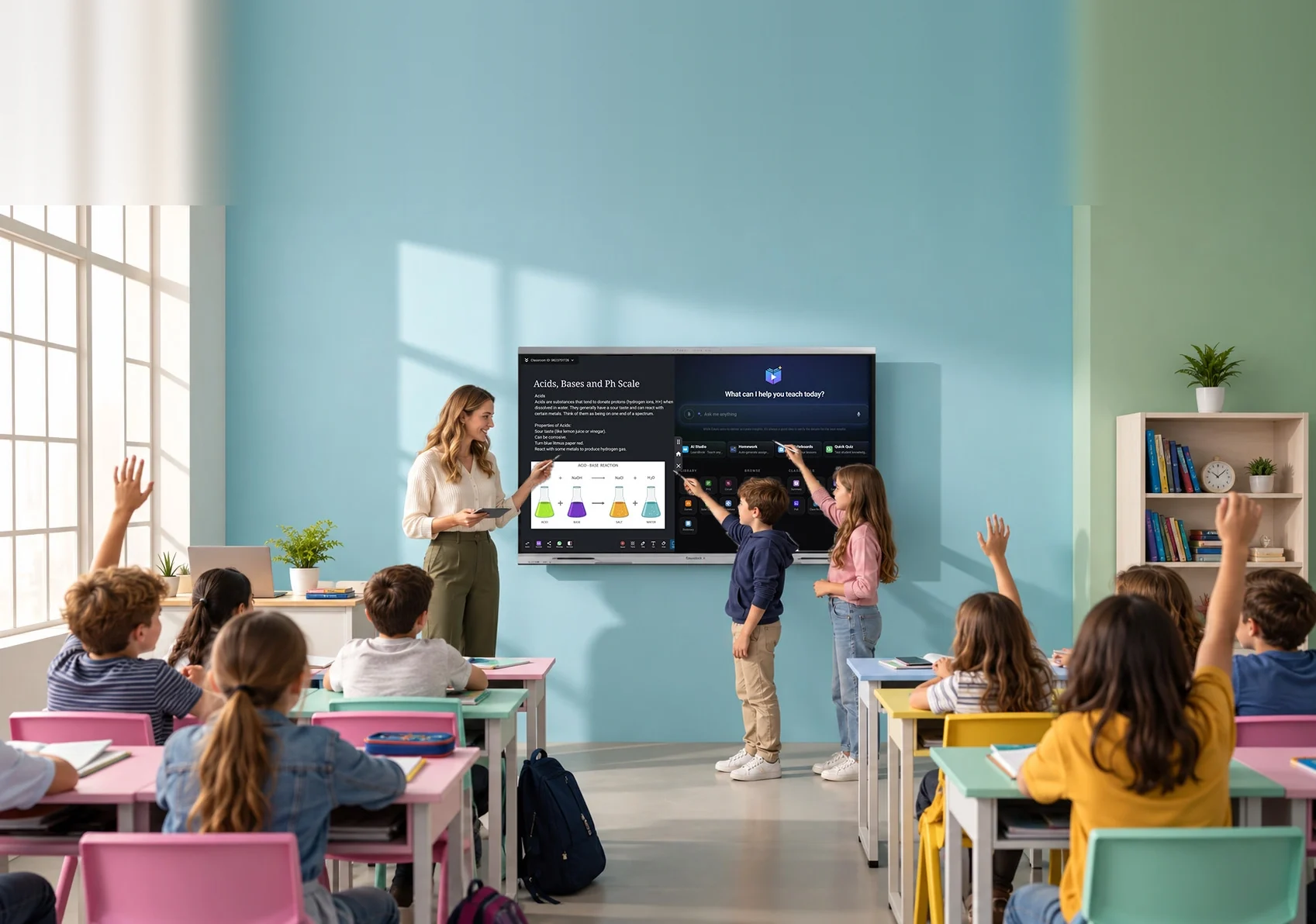
Built-in AI turns your classroom device into a teaching partner — cutting repetitive work, and keeping every student on track.


Plans lessons, creates quizzes and homework, generates recaps, and grades it all — while teachers stay in full control.
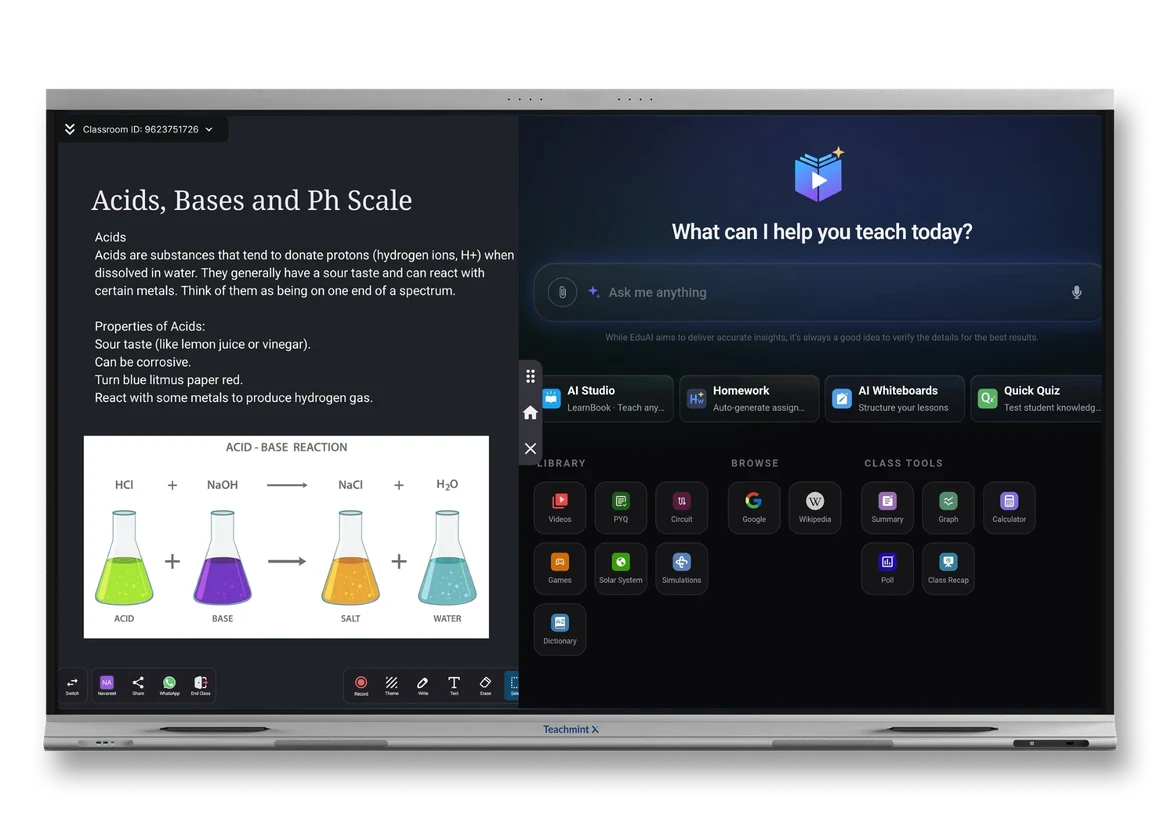
Years of real classroom insight, distilled into one whiteboard — so writing, annotating, and teaching feel effortless, not technical.
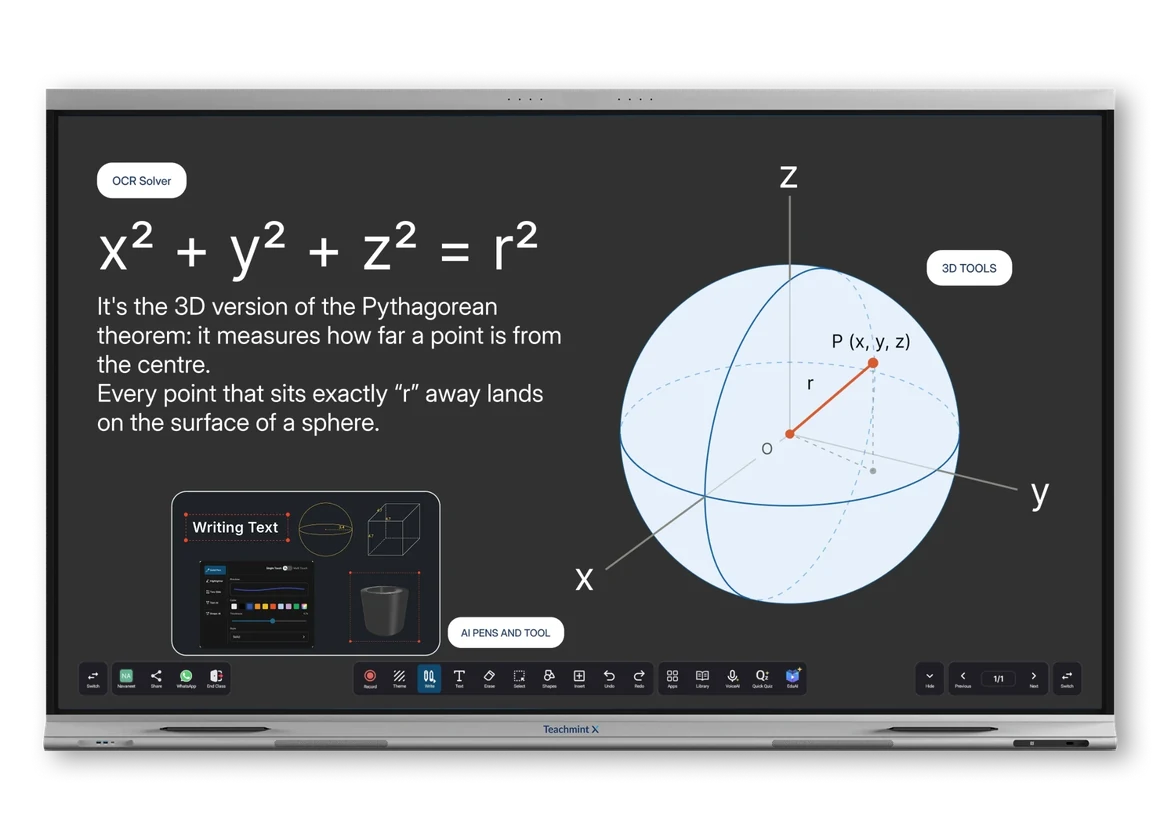
Plan before class, engage during it, and follow up after — attendance, assessments, and reports, all without switching apps.


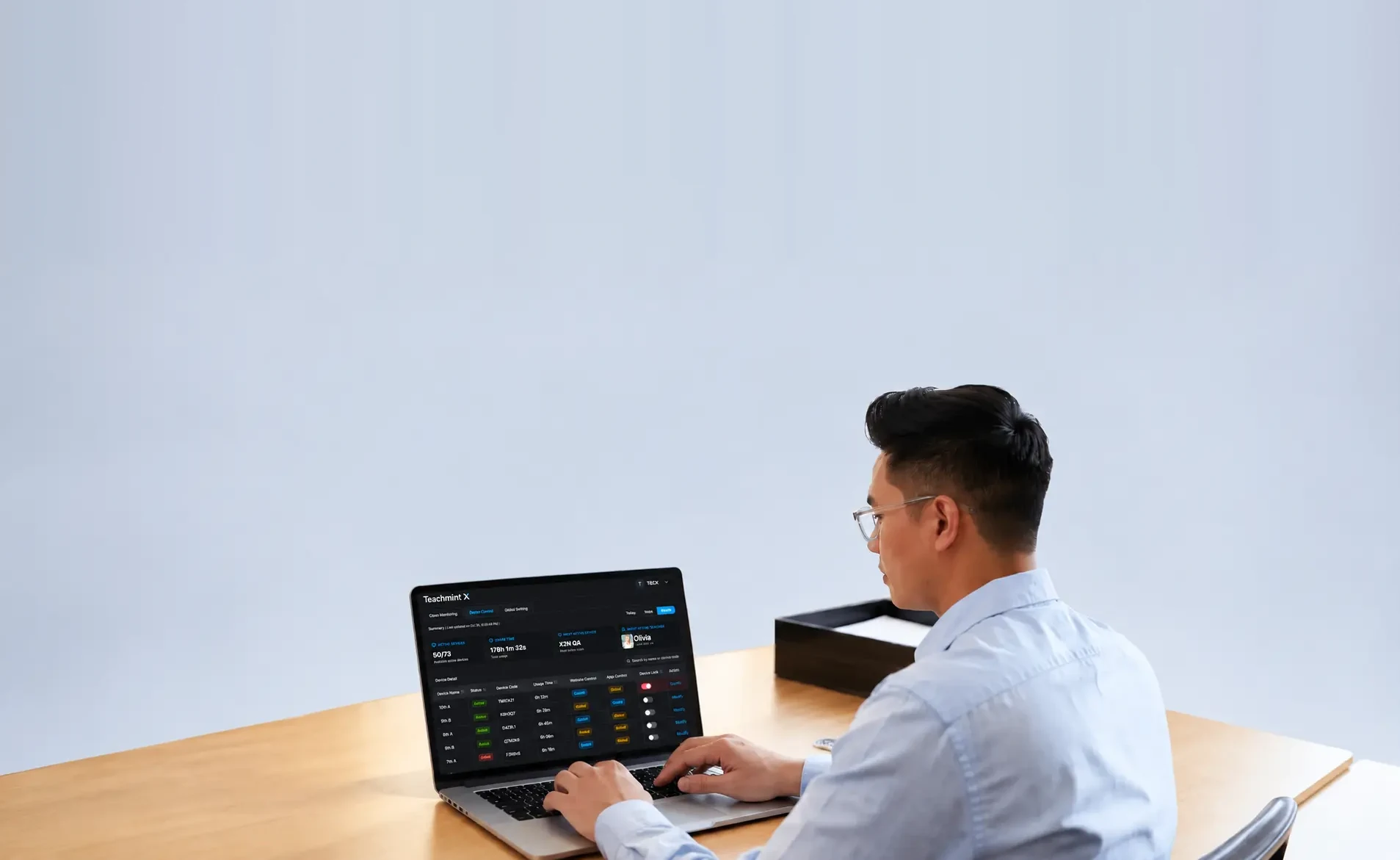
One dashboard for every device with complete security and privacy.

A dedicated processor and NPU run every AI feature instantly — powering real-time lessons, quizzes, and homework without ever slowing you down.
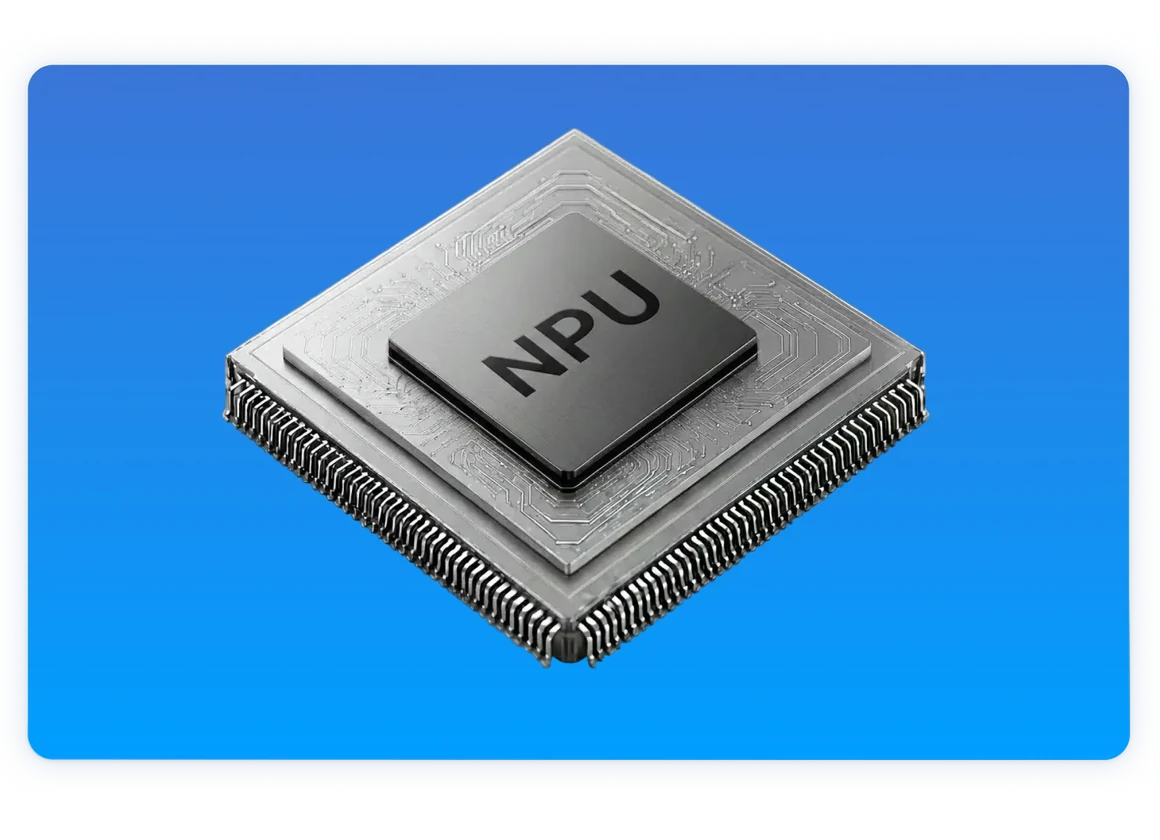
Generate a quiz, a recap, or graded homework — instantly, whenever you need one.
Earlier, I spent hours writing code on the board before I could even begin explaining concepts. With EduAI, code is generated instantly with just a touch. Classes are now more interactive, students understand concepts faster, and my workload has reduced significantly.
I used to rely on smart boards for writing and YouTube for videos, but ads and distractions constantly broke the flow of my class. Teachmint X with EduAI is completely ad-free, and unlike generic AI tools, it actually understands my class, grade, and subject.
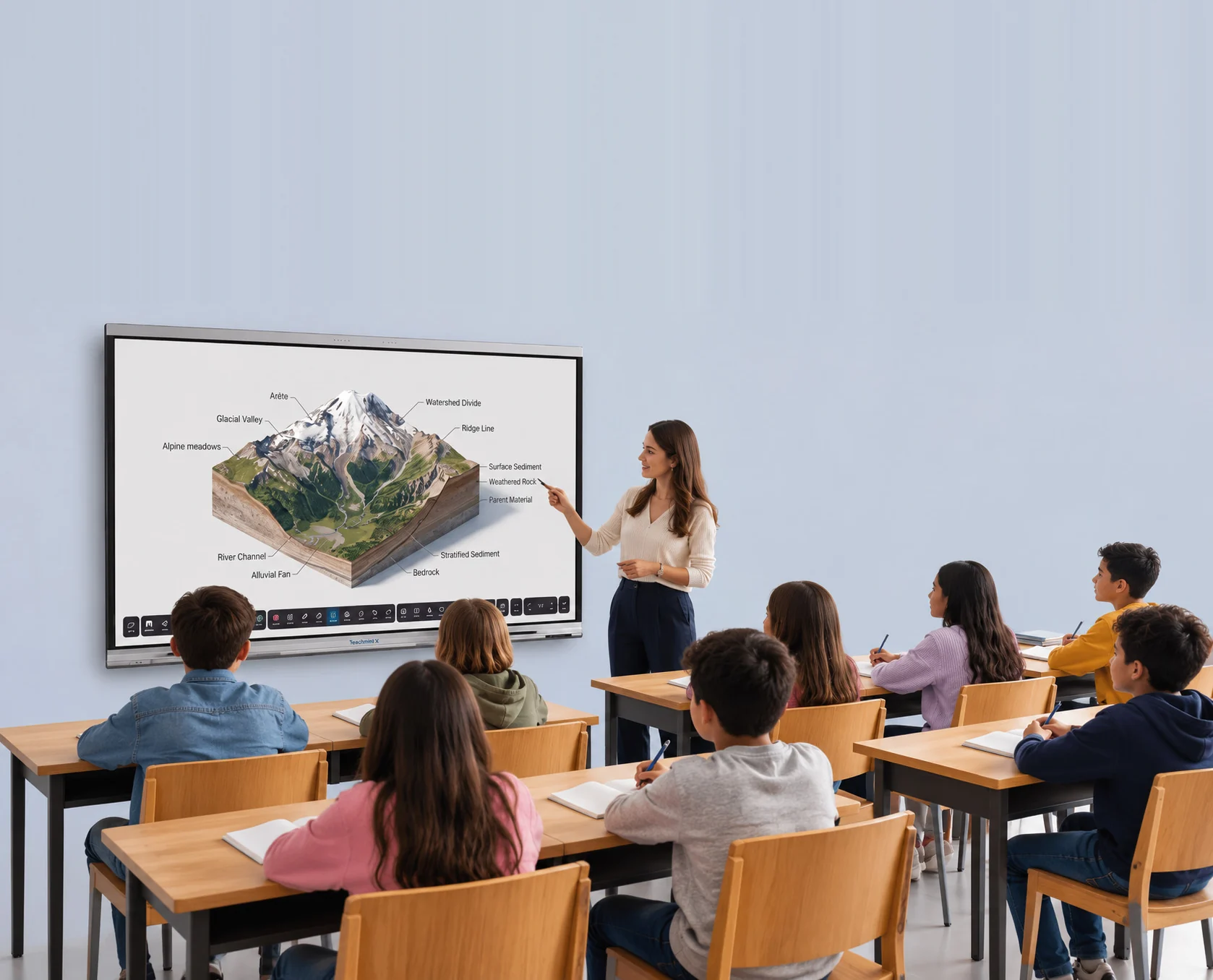
Earlier the concepts used to be theoretical or just the presentation in 2D form. With the help of Teachmint X EduAI now I am able to generate the 3D visuals, interactive quizzes, questions which helped them to learn much more better and made my class more engaging and the ease of use was great once I got the training.
Earlier, conducting a spontaneous classroom quiz took a lot of preparation. With the Teachmint digital board and EduAI, I simply write a topic on the board, select it, and use the AI Quiz Maker to generate a quiz. It makes the process quick and easy.
Plan, teach, and follow up — all on one connected app, so nothing gets left behind.
Cut prep time to minutes with AI-generated lessons, then walk in textbook-free with everything cloud-synced to your board.
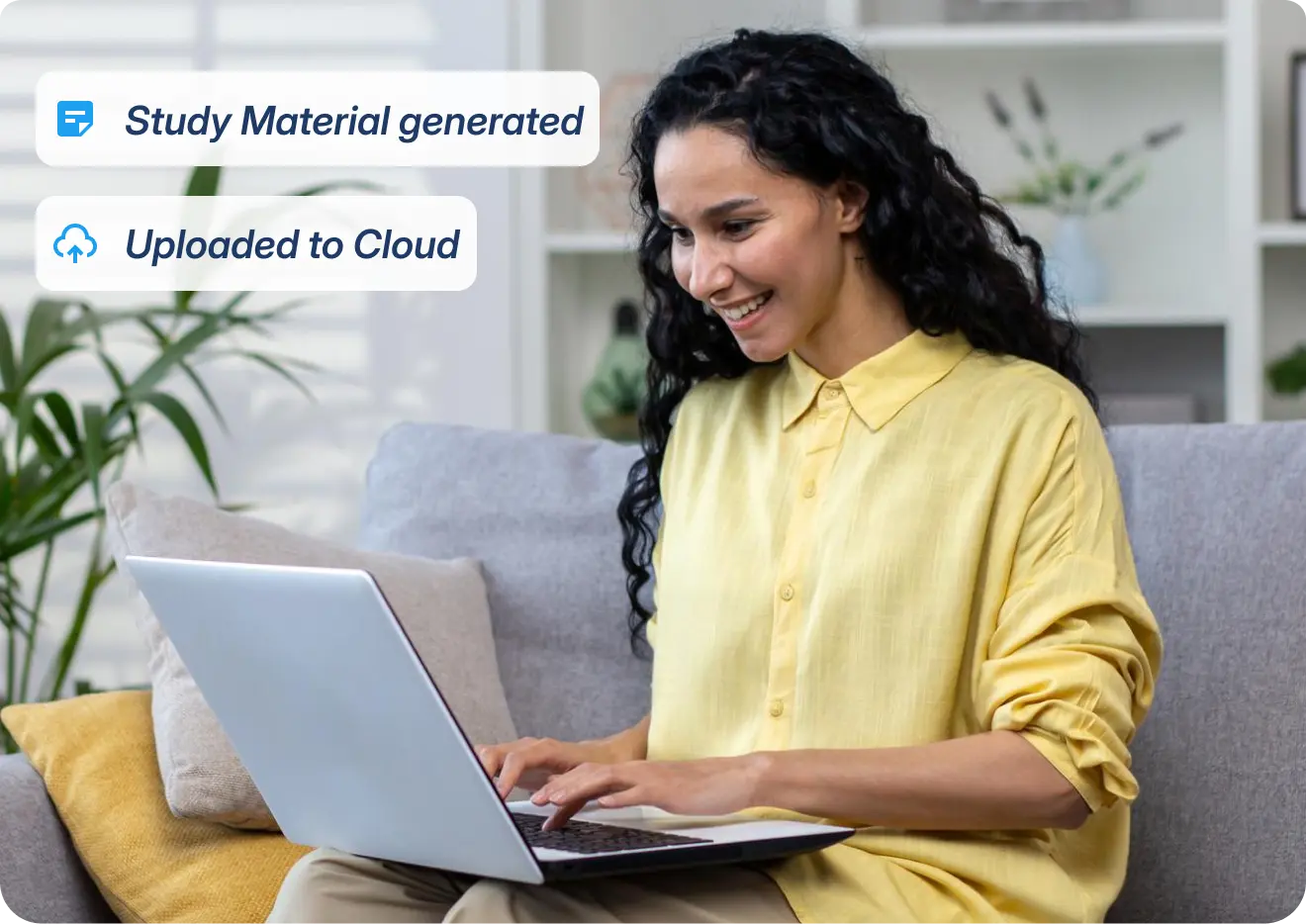
Teach with live AI assistance, bring lessons to life with simulations and learning games, wrap up every class with a holistic summary, and kick off the next one with an instant recap.
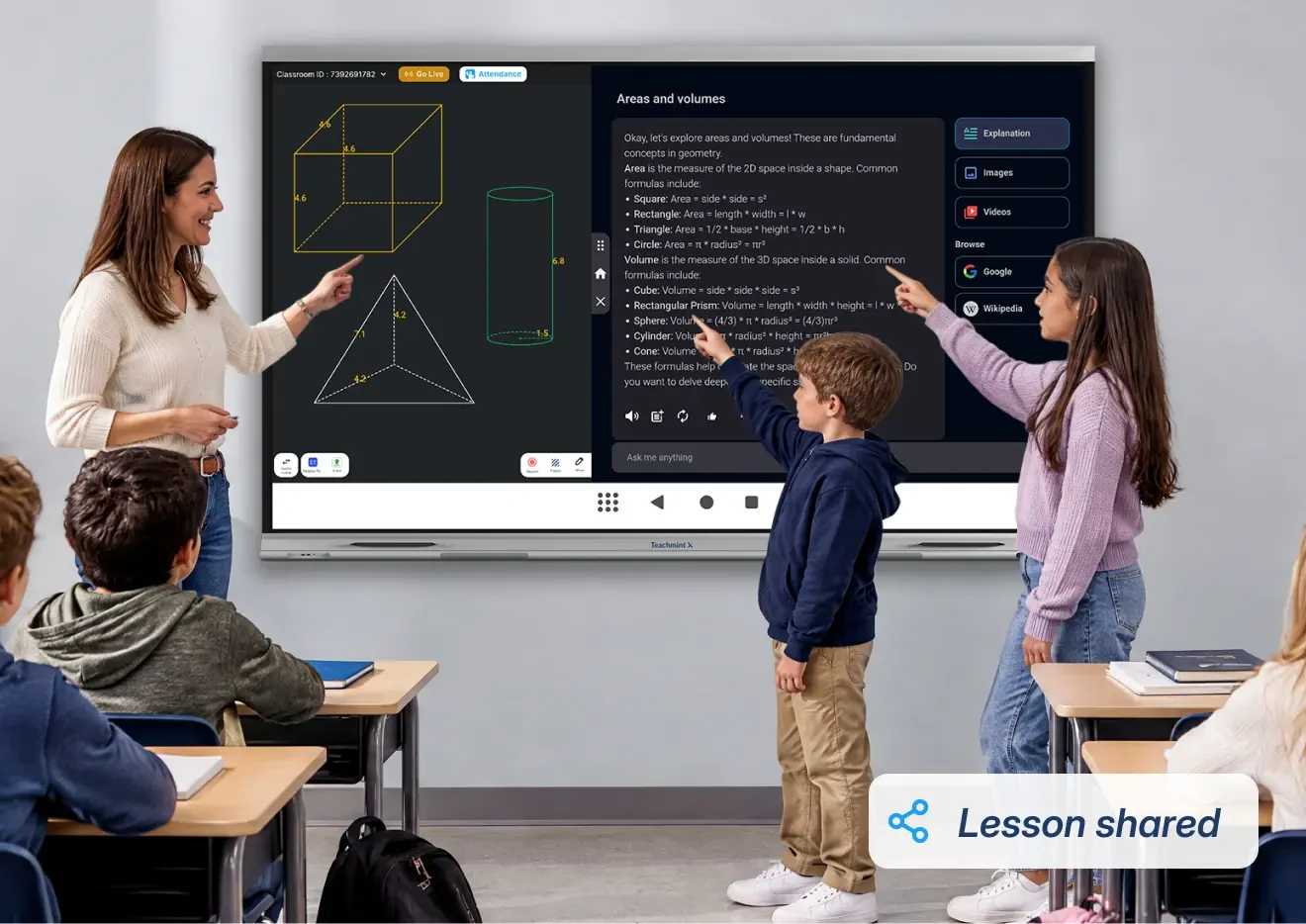
Send homework and quizzes, and share the full lesson with students before the bell, so you leave with nothing to take home.
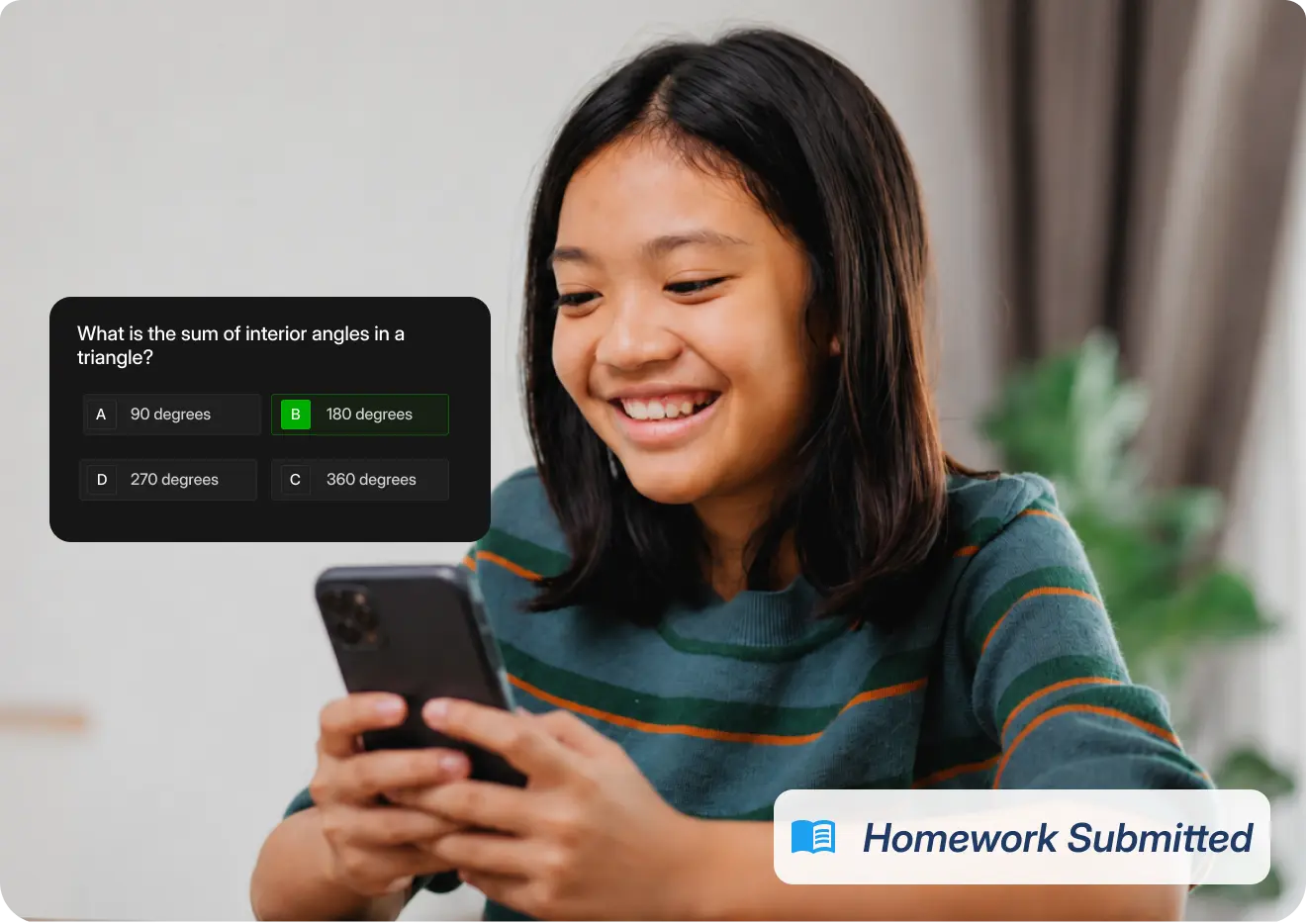
I have used other smart boards, but Teachmint X saves 50% of the time. Creating homework, quizzes and lesson planning used to take a lot of time, but with Teachmint X it takes less time to create.
At the end of a theory lesson, when we have 5–10 minutes left, I use the app to generate a quiz based on what we’ve covered. Students answer the questions to reinforce their understanding. It has made teaching easier for me and many of my colleagues.
Vision X lets admins manage every classroom device and broadcast to all of them, with all data kept secure.
Group devices by room, and see the status of every device at a glance.
Turn devices on or off, lock them remotely, and set automatic schedules.
Push firmware and apps over the air, and allow only approved apps.
Broadcast urgent alerts or routine updates instantly to any or all classroom screens.
See how and when every device is used, so you can track adoption.
Diagnose and fix issues without sending anyone to the classroom.
A dedicated processor and NPU run every AI feature instantly, from lessons to homework generation.

Experience colour the way it was meant to be seen. With 1.07 billion colours (10-bit), over 100% sRGB, and 4K resolution, Teachmint X makes every lesson sharp, vivid, and true to colour for every student.
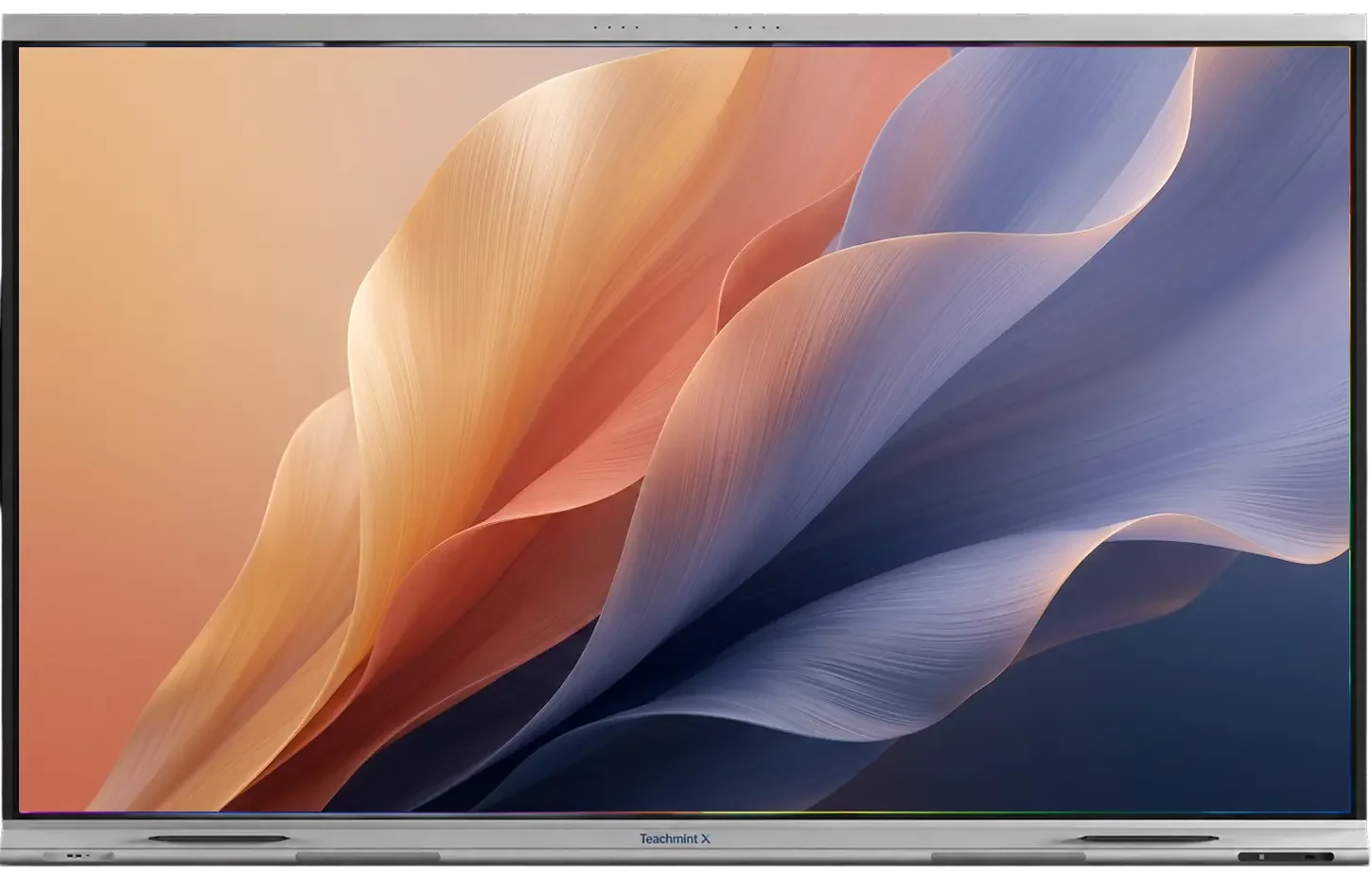
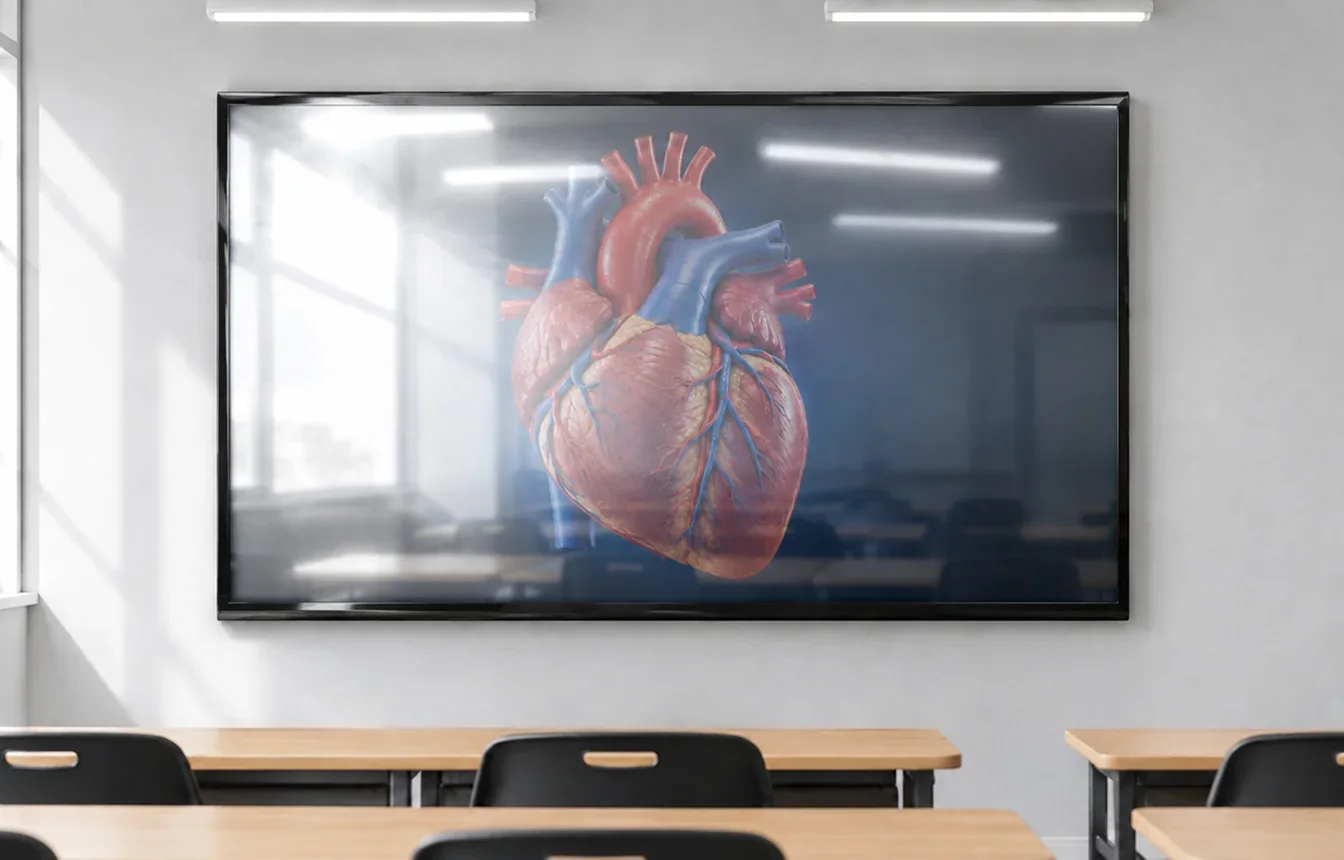
Teachmint X’s Non-Glare 4K display cuts reflections from sunlight and overhead lights, delivering crystal-clear visuals that keep every lesson sharp and readable from the front row to the back bench.

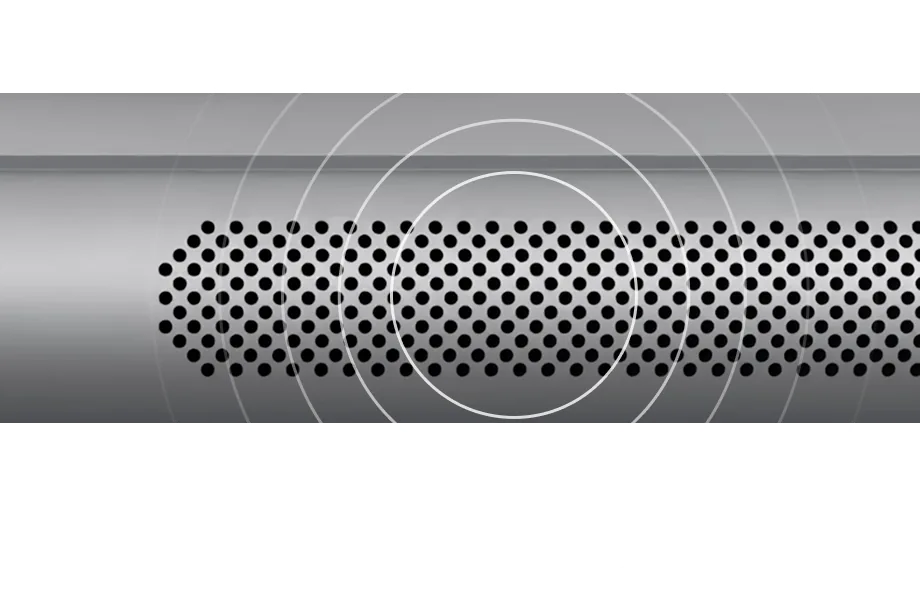
A built-in microphone and full-room speakers work together, so every voice is heard clearly, no matter where a student sits.
Features an in-built 8-array omni-directional microphone with 180-degree front coverage, built-in acoustic echo cancellation, and automatic gain adjustment.
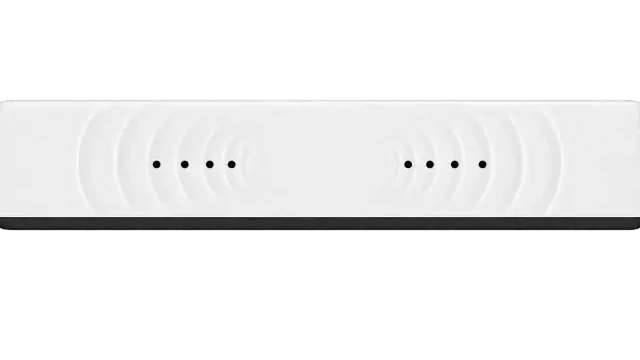
Features dual front-facing in-built speakers delivering clear, distortion-free audio.
Enjoy complete peace of mind with a 5-year warranty, backed by expert support every single day of the year — so your investment keeps performing, long after installation.

Full onboarding and training for faculty and staff, quick service response so classes run without disruption, and IT team training to manage and maintain the board — all included, all year round.