Page 1 :
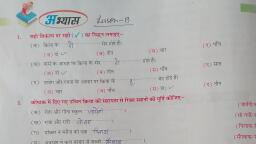
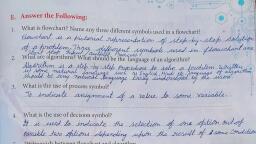
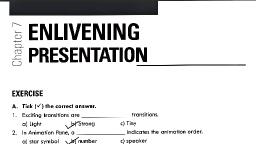
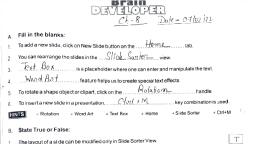
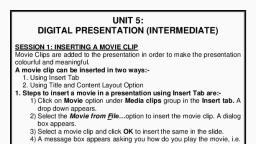
option in Slide Show menu., 4. For animation object and text, Select, (b) Slide transition, (a) Custom animation, (d) Custom object, (c) New animation, 5. You can add sound in your slide from:, (b) Some CD track, (a) Some file on computer, (d) All above, (c) Your own recorded sound, E. Answer the Following:, E. Answer the fallowing:, Ques ))- What do you, Ans- Slide transition is a, Style of exit of current slide and entry of next slde, in the presentation during slide show., Ques2/- Write the steps to insert Picture in slide., mlan by slide transition?, you, a special effect that specifies the, Ans- C1) Select clip Art option in insert menu. A Submenu is, displayed (ii) Select clip Art option in the Submenu., The clip Art tark Pane is displayed. cii) Enter keyward, orelated, to desired, Picture, en Slarch far box, (IV) click en go hutton. List of Pictures related to entered, keyward, Picture from the ist., Gues 3)- Urite the stebs to insert sound in slide., Ans,- Ci) Select the sMide where want to insert sound., (1i) click on sound button in Media clips group under, insert tab. A drop doon meny is displayed., Uii) Select Sound from file option from menu., liv) Lecate file position and click an ok button., is displayed (V) Dbuble - click on most suitable, you, Quesy- Write the step to insert video in slide., Ans - Li) Select the slide where you want to add violeo., (I) click On morie, insert tob. A drop doon menu is displayed, (1) Select Movie from file, dialeg box is displayed (iv) Select the desined movie - clip, file., button is Media Clips group under, eption in menu inert movie, Ques 5/-what do you mlan by animation text and ebject?, Ans)- Animating means, text and objects, to abply various, objects. Far this berfarm:, animation effects, (i) select the text/object lii) select Custem Amimation ep tion, in Animation tab., on text and