Page 1 :
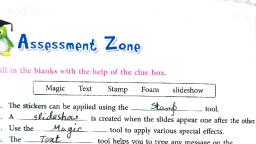
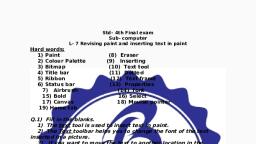
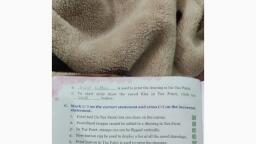
Std 2 ( Computer Science ), Chapter 5, Tux Paint Tools, ( textbook exercise ), 1 ) Label the figure with the help of the clues given below, a ) The blank white space in Tux Paint where we can draw and paint, -- drawing canvas, b) Tools like paint, lines, eraser etc. are available here -- toolbar, c) When a tool from Tool is selected, the options available are, displayed here -- selector, d) You can choose the colour for filling and for the brushes from, here -- colour palette., e) This area in the Tux Paint window gives us tips and other, information while we draw -- help, 2 ) Fill in the blanks with the words given in the box, ( answers ), a) new, b) shapes, c) text, d) stamp, 3) Tick the correct option, ( answers ), a) i, b) iii, c) iv, d) ii, e) i, 4) Read the statements and tick the correct option., a) false, b) false, c) true, 5) Answer the following questions, 1 ) What is Tux-Paint?, ans) Tux paint is a free computer art software that provides a blank, canvas with a variety of drawing tools., 2) What is the use of the "New" tool in Tux-Paint?

Page 2 :
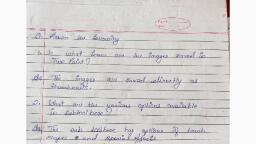
ans) The 'New' tool is used to create a new drawing ., 3) What is the use of the "Eraser" tool in Tux-Paint?, ans) The Eraser tool is used to erase the unwanted section of the, drawing., 4) What is the use of the Text tool?, ans) Text tool is used to add text to the canvas area.