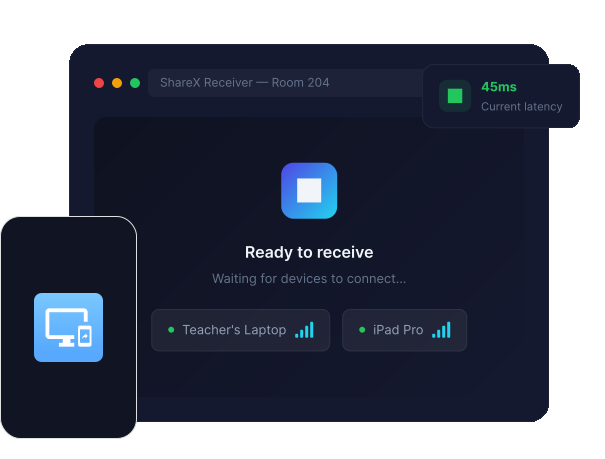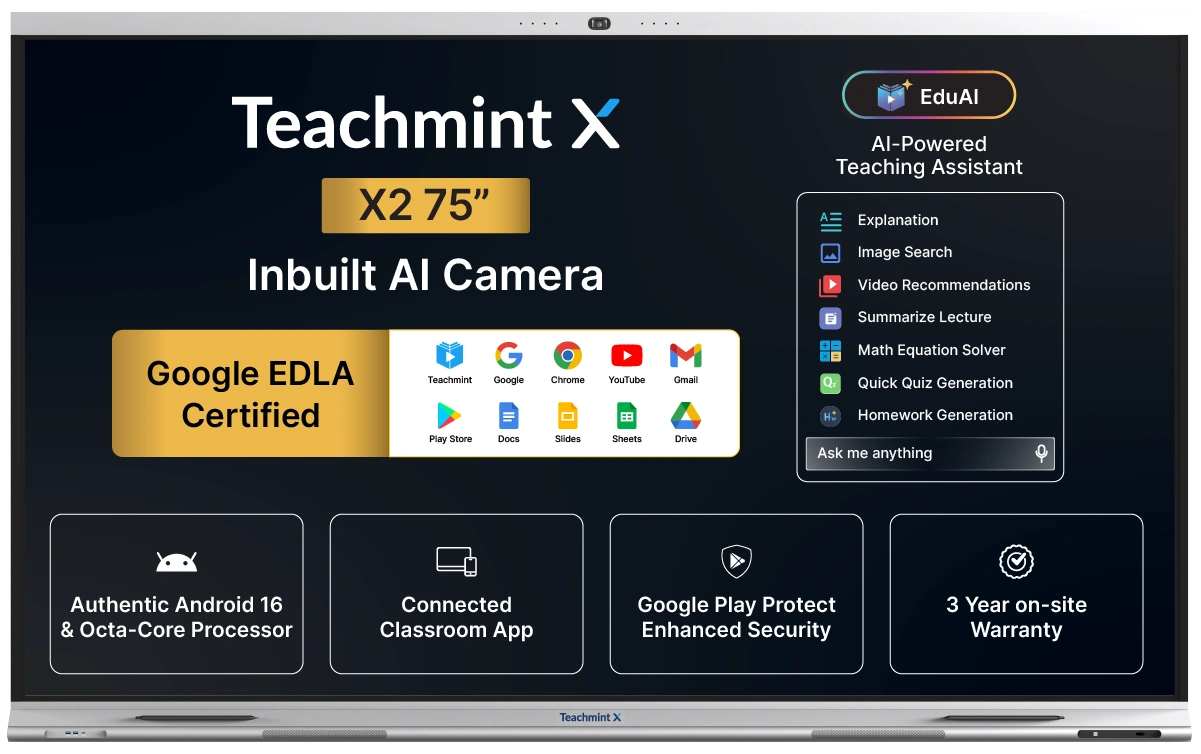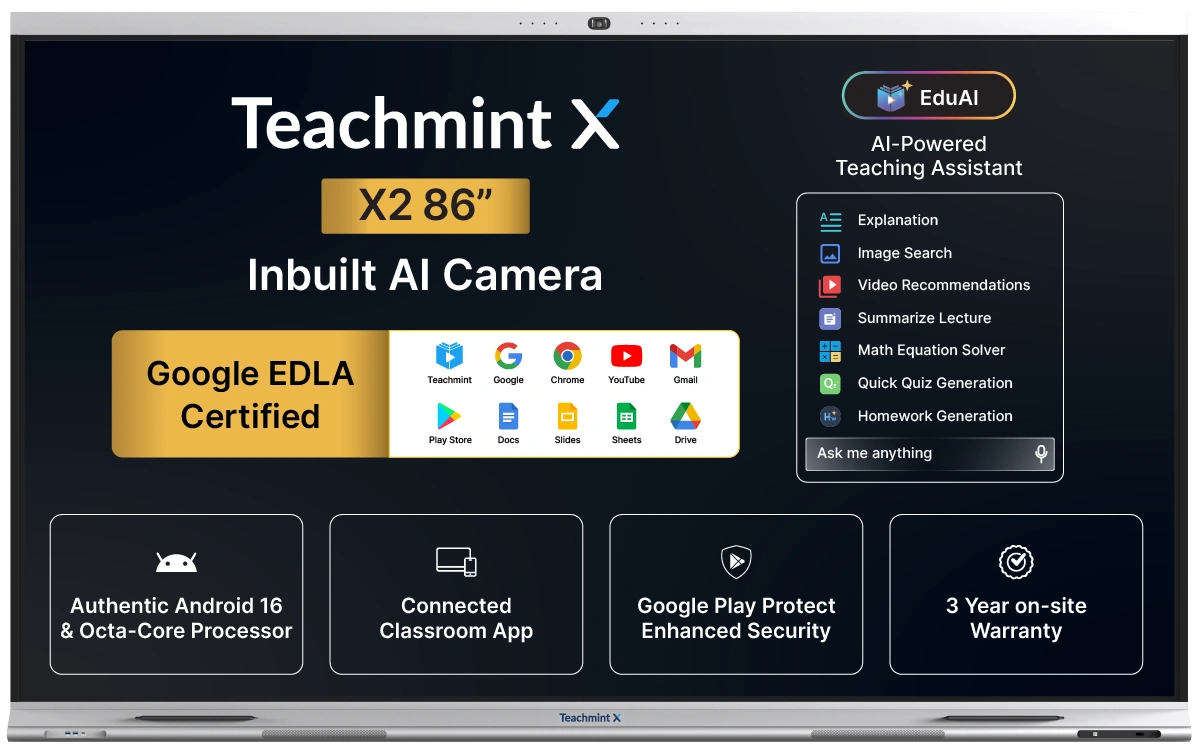
Share X is a wireless screen sharing application built for Teachmint X that allows teachers to share their screen from Windows, macOS, or Android devices directly to the classroom panel.
How many devices can connect simultaneously?
Share X supports up to 4 devices connected simultaneously, enabling multi-device collaboration in the classroom.
What is the latency of Share X?
Share X delivers ultra-low latency screen sharing at 120ms or less, ensuring a smooth and real-time teaching experience.
Does Share X require internet?
No, Share X works over your local WiFi network. Both the device and Teachmint X just need to be connected to the same network.
Which platforms does Share X support?
Share X is available for Windows 10 or later, macOS 12 Monterey or later, and Android devices.
How do I start sharing my screen?
Download and install Share X on your device.
Connect your device and Teachmint X to the same WiFi network.
Open Share X and tap 'Share Screen' to connect to Teachmint X.
Your screen will be mirrored on the classroom panel instantly.