





Pre-Class Preparation
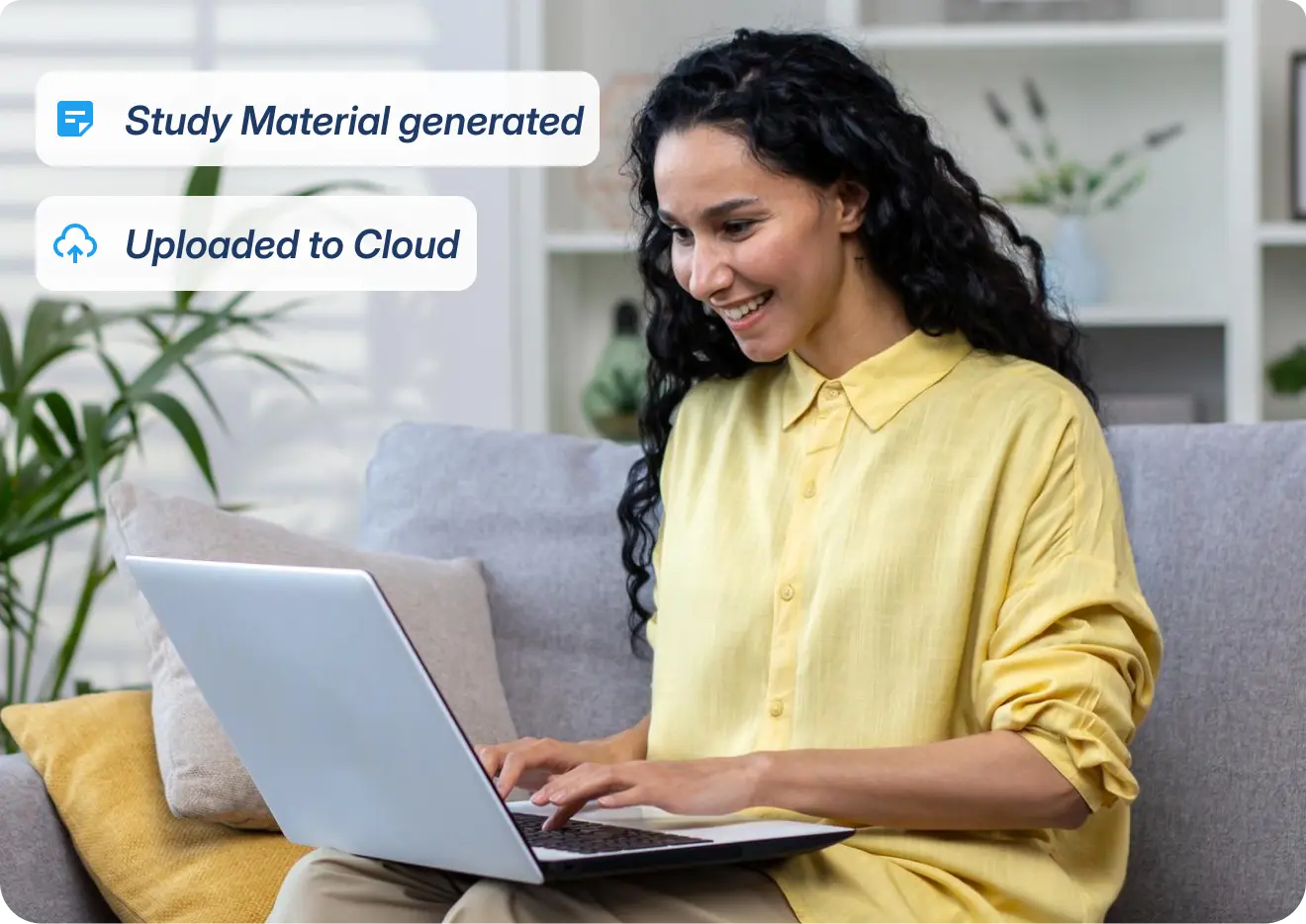
Let AI handle your lesson prep in minutes, so you can walk in textbook-free with everything cloud-synced to your board.





Demo booked successfully

Thank you for booking the demo with us! Our team will connect with you shortly..
What's Inside
*Available on Teachmint X2 models


What's Inside
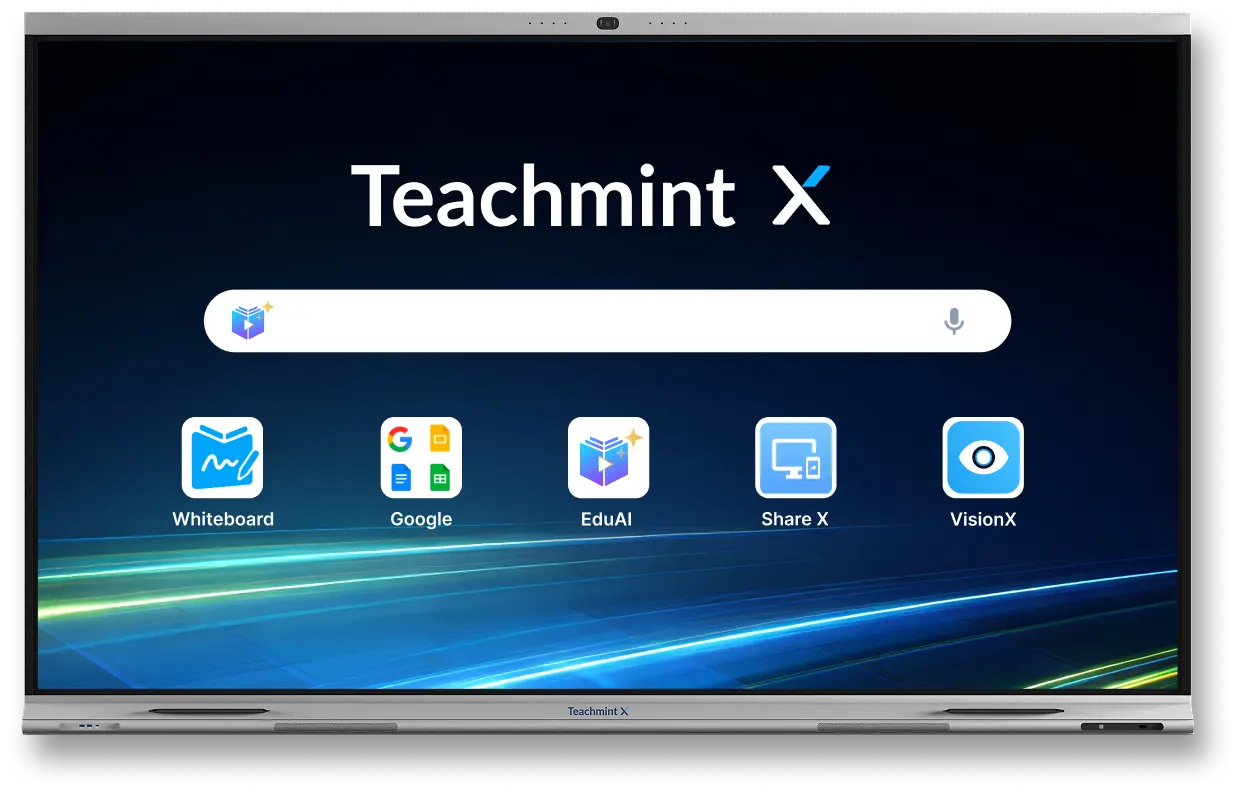
Connected Classroom Platform Interactive Whiteboard EduAI Vision X Share X Click X*Available on Teachmint X2 models

















 Intelligent and Safe Teaching Assistant
From zero-prep lesson plans to automated assessments — EduAI handles the heavy lifting so teachers can focus on teaching.
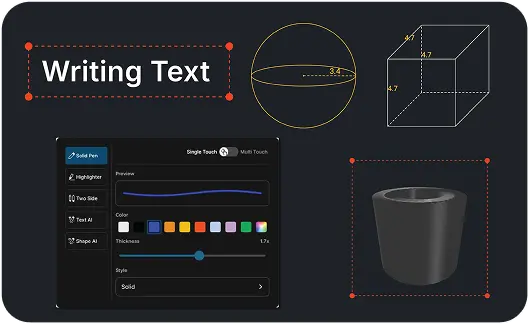
Years of real classroom insight, distilled into one whiteboard — so teaching feels effortless, not technical.

 3D Tools
OCR Solver
3D Tools
OCR Solver
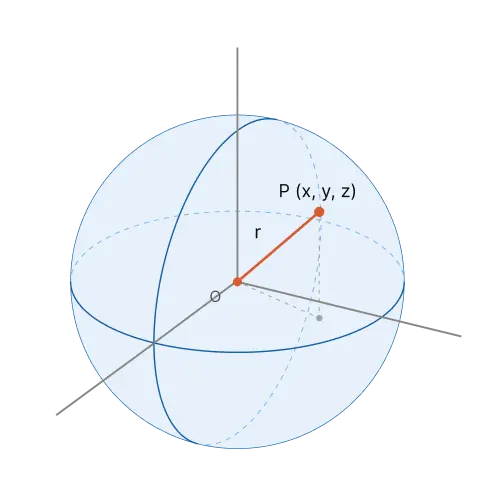
x2 + y2 + z2 = r2
This equation defines a sphere centered at the origin at (0,0,0) with radius “r”.
It represents the 3D body where every surface point sits at an exact distance “r” from the center.
Multilingual Support with 90+ global languages
Transforming classroom engagement seamlessly at every stage of learning. No more switching between multiple apps.
Let AI handle your lesson prep in minutes, so you can walk in textbook-free with everything cloud-synced to your board.
Engage your class with live AI assistance, automate attendance, and share complete lessons in a single click.
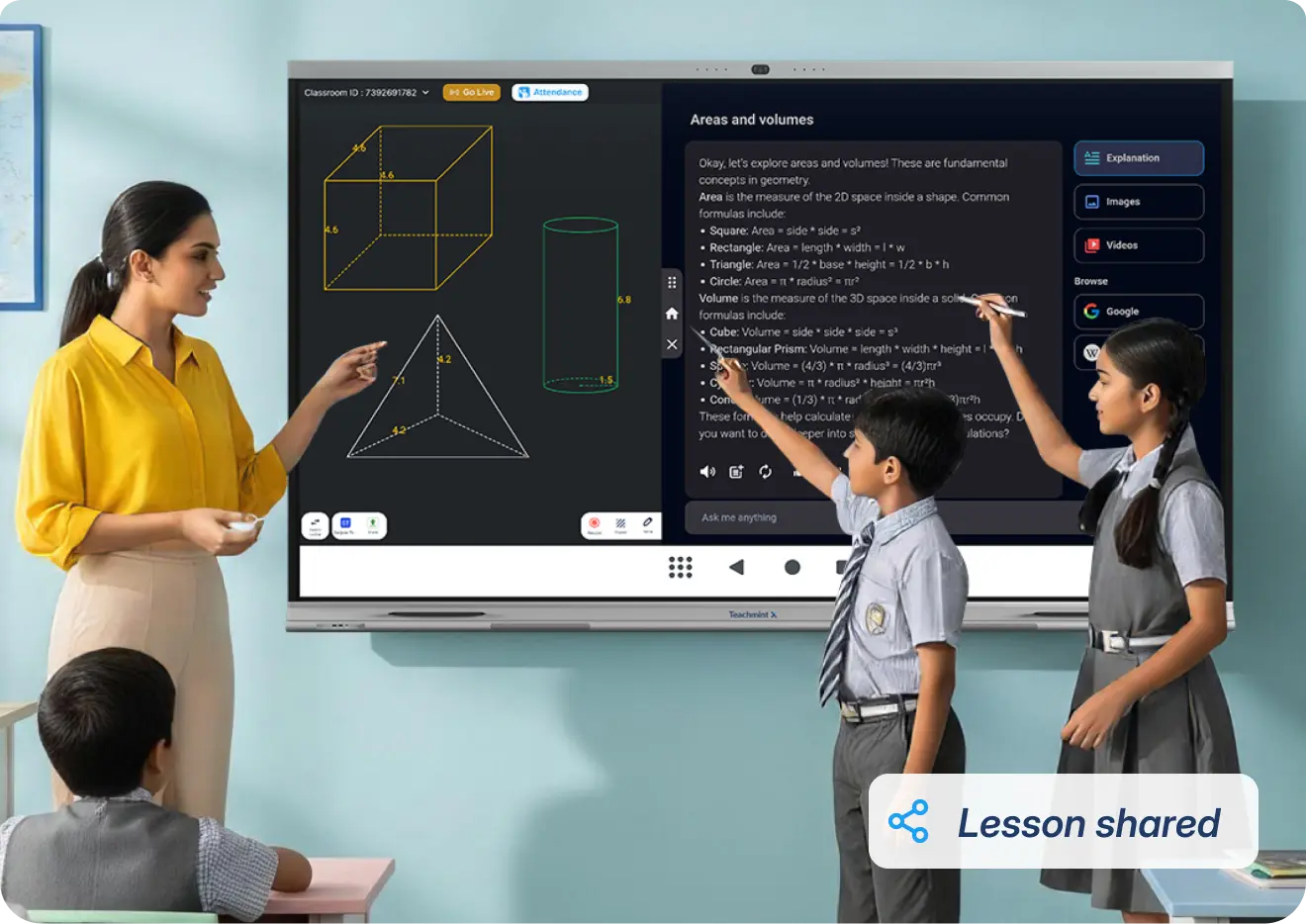
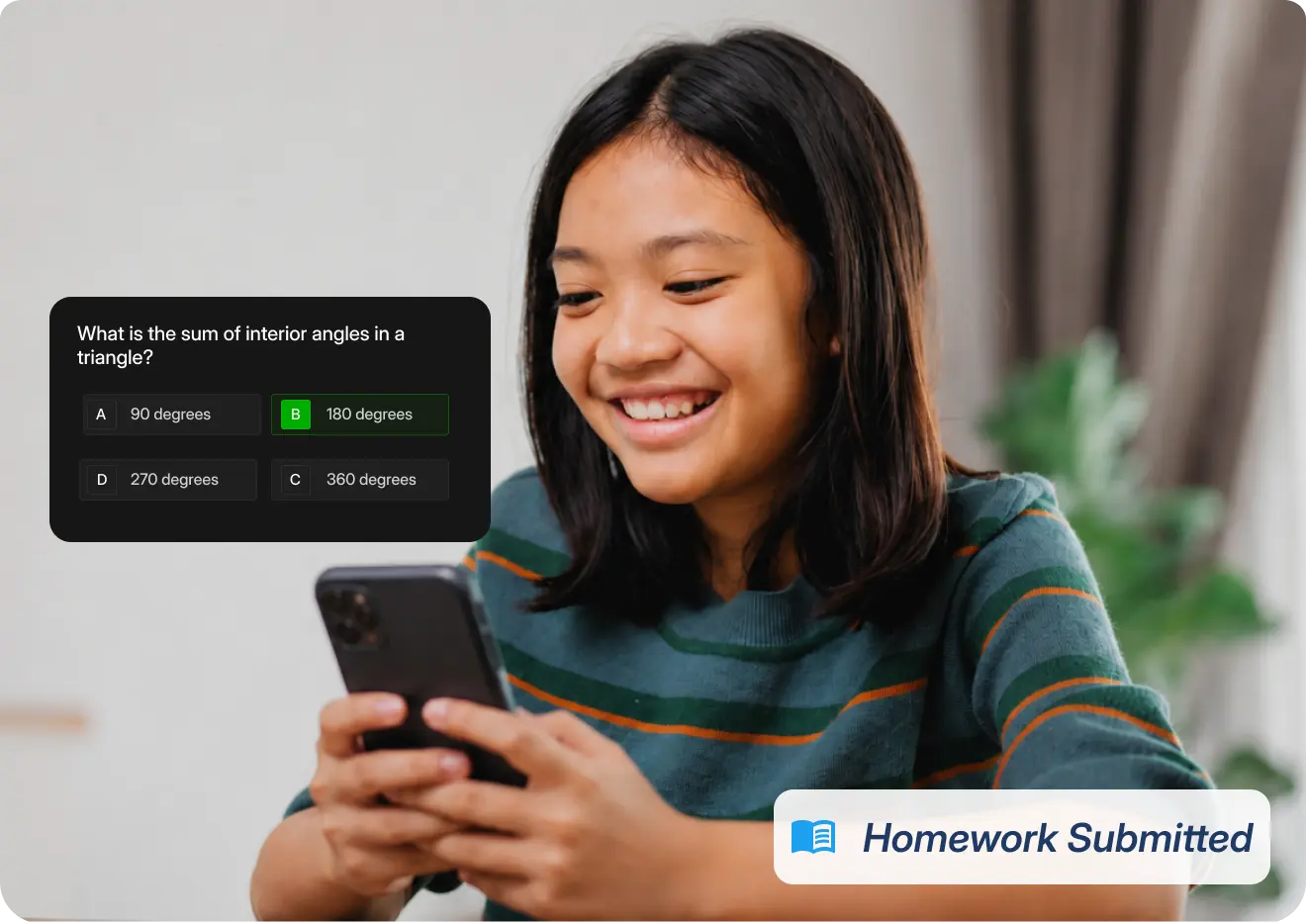
Extends learning beyond school hours through automated grading, progress reports, and shared class recordings.
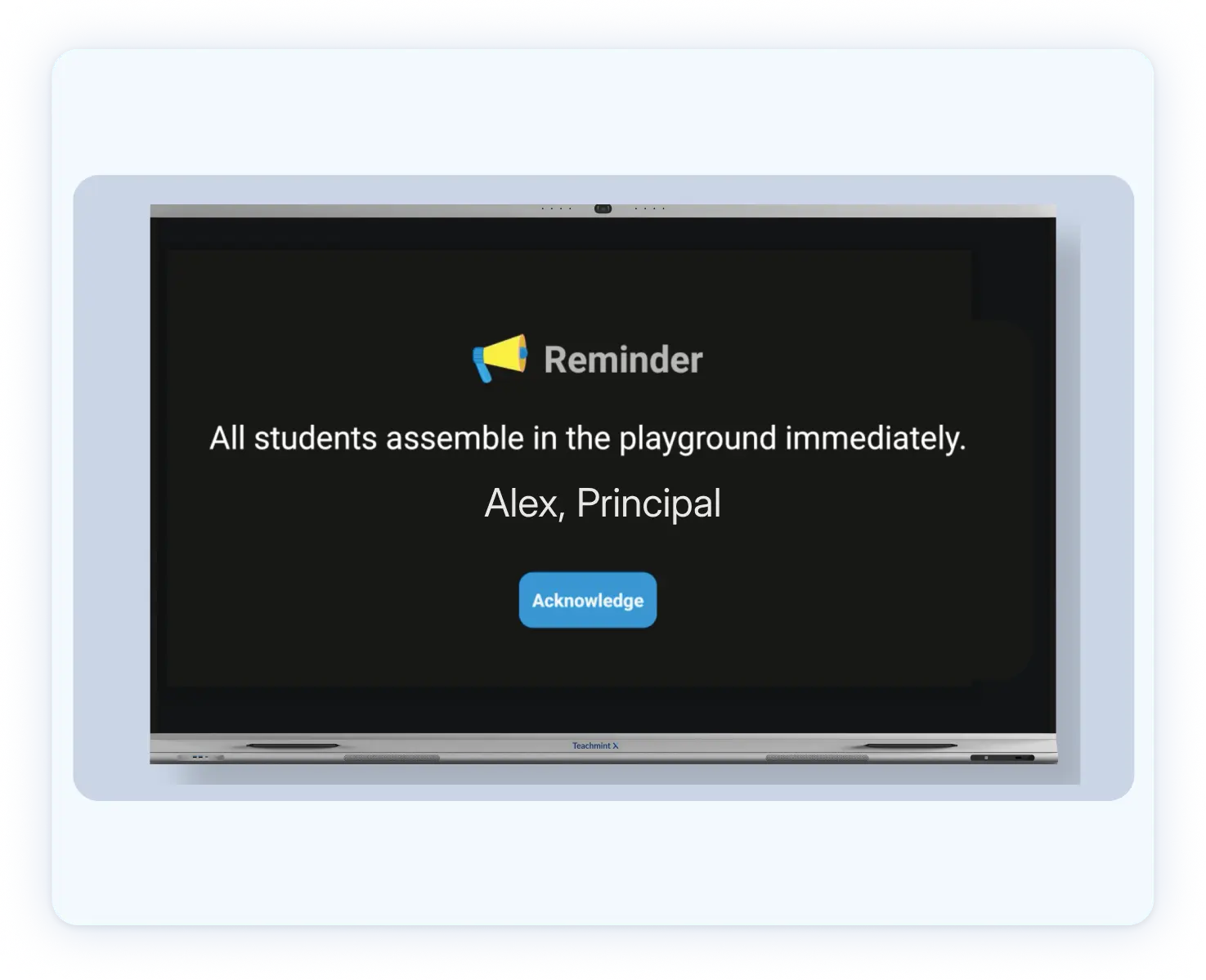
 Device and Admin Management
Monitor, manage, and protect every device, every campus — from one dashboard.



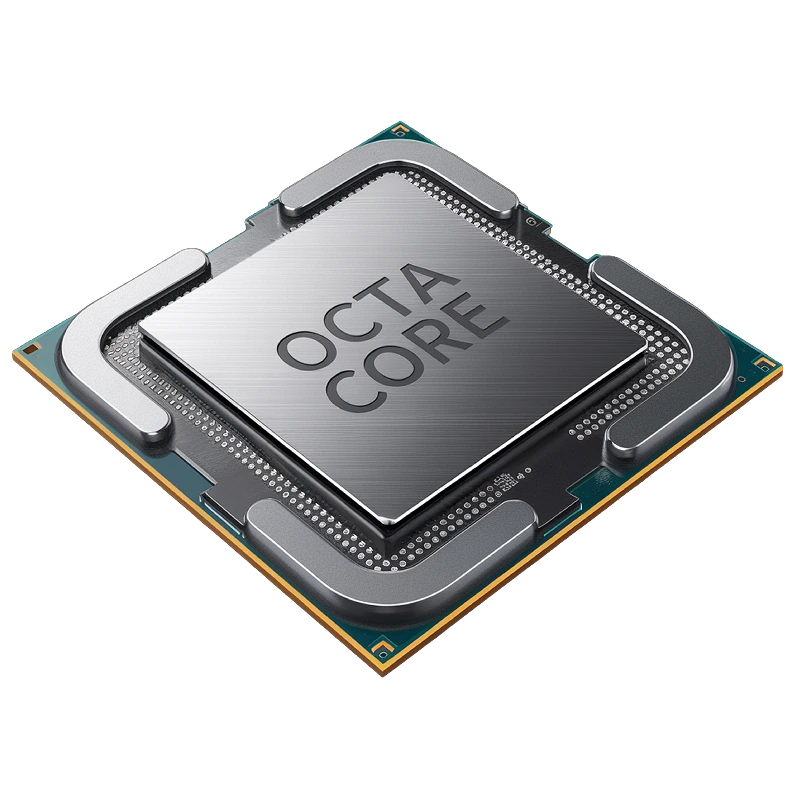
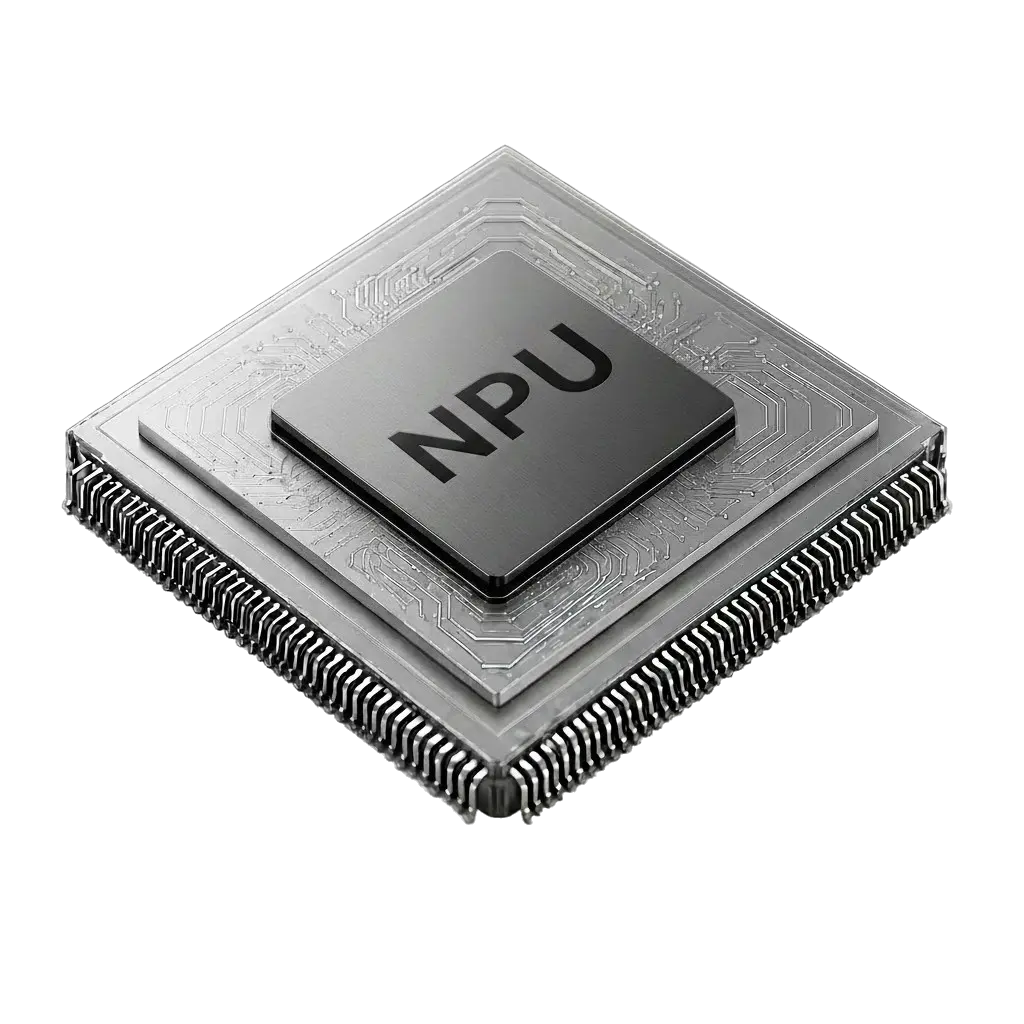
A dedicated processor and NPU run every AI feature instantly — powering real-time lessons, quizzes, and homework









Seamless start, complimentary expert guidance.
Uninterrupted support, every single day
Ensuring peace of mind with every purchase


